Compose in layers.
A free, open-source image editor for Linux and Windows, with the tools and shortcuts you know from Photoshop.
Every picture is a stack.
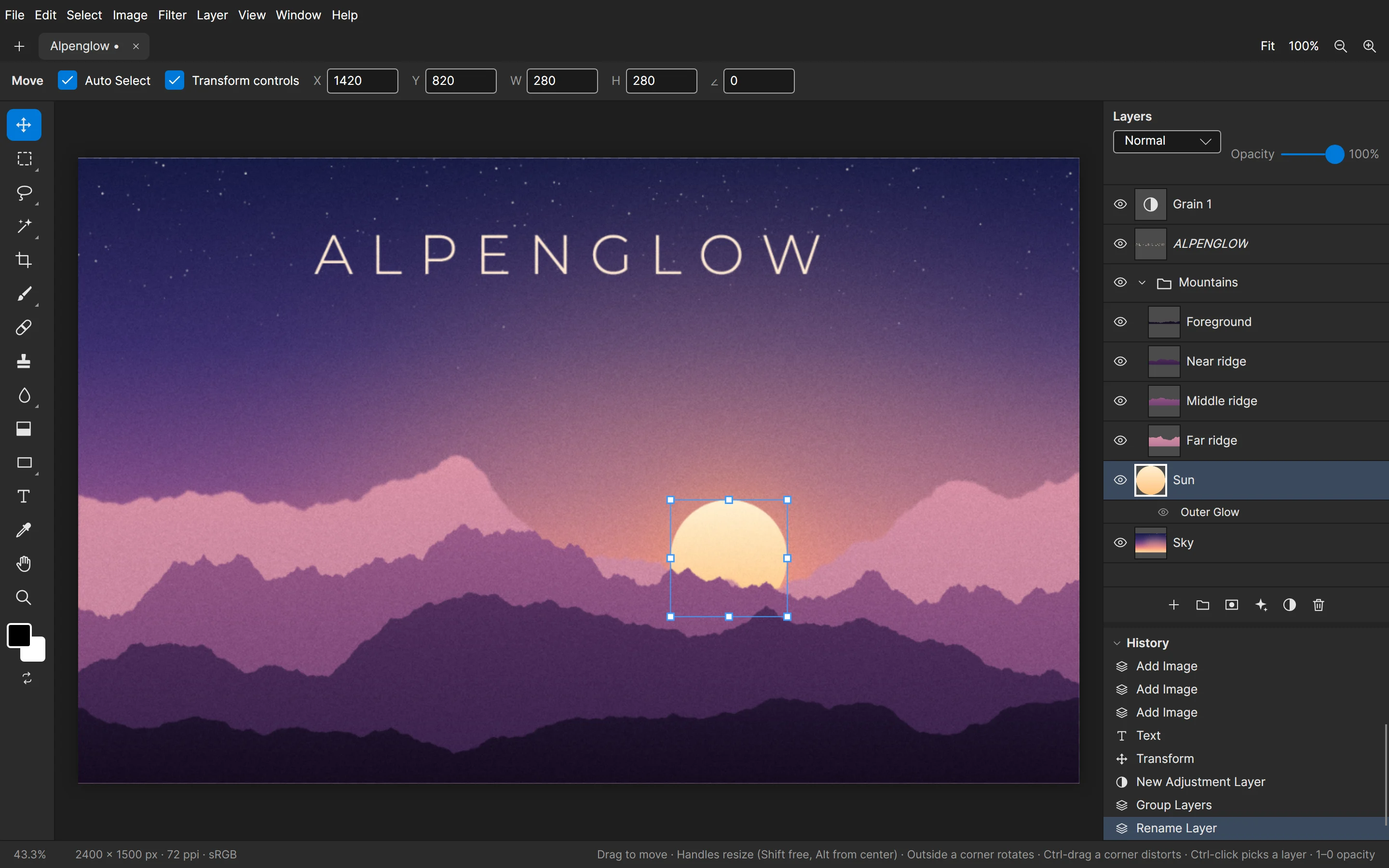
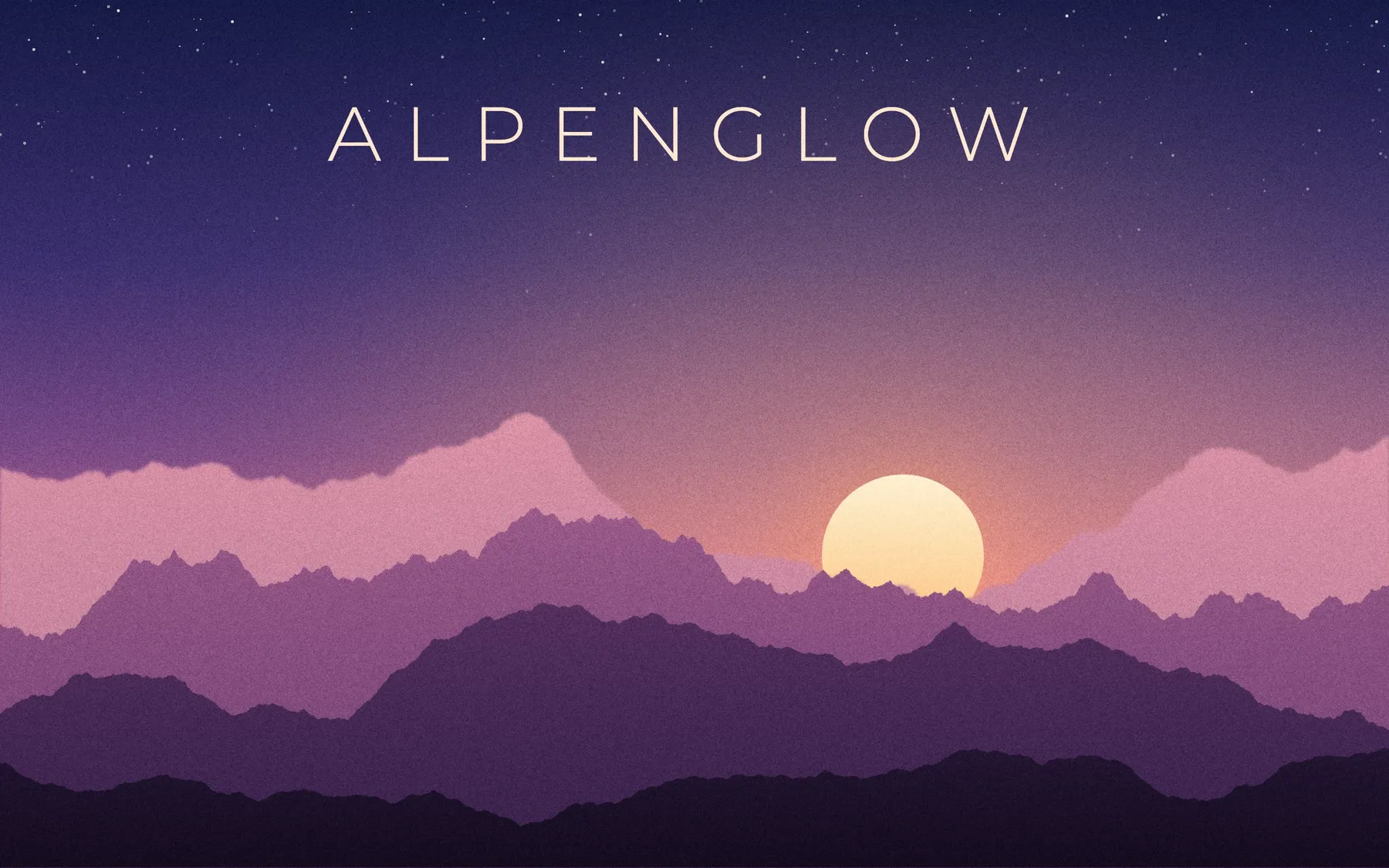
The poster above is eight layers in one project. Pull them apart and each one is still what it was: pixels, a live effect, a folder, type you can retype, an adjustment that changes everything under it.






- Grain 1Adjustment layer
- ALPENGLOWType layer, still editable
- ForegroundIn the Mountains folder
- Near ridgeIn the Mountains folder
- Middle ridgeIn the Mountains folder
- Far ridgeGaussian Blur
- SunOuter Glow effect
- SkyBackground layer
Folders and 26 blend modes
Nest layers in folders, drag to reorder, Alt-drag to duplicate. Blend modes are grouped the way Photoshop groups them, with GIMP's Grain Extract and Grain Merge beside Subtract and Divide.
Masks on anything
Paint, fill, blur or invert a mask on a layer, a folder or an adjustment. Alt-click a layer to clip it to the one below.
Adjustments that stay live
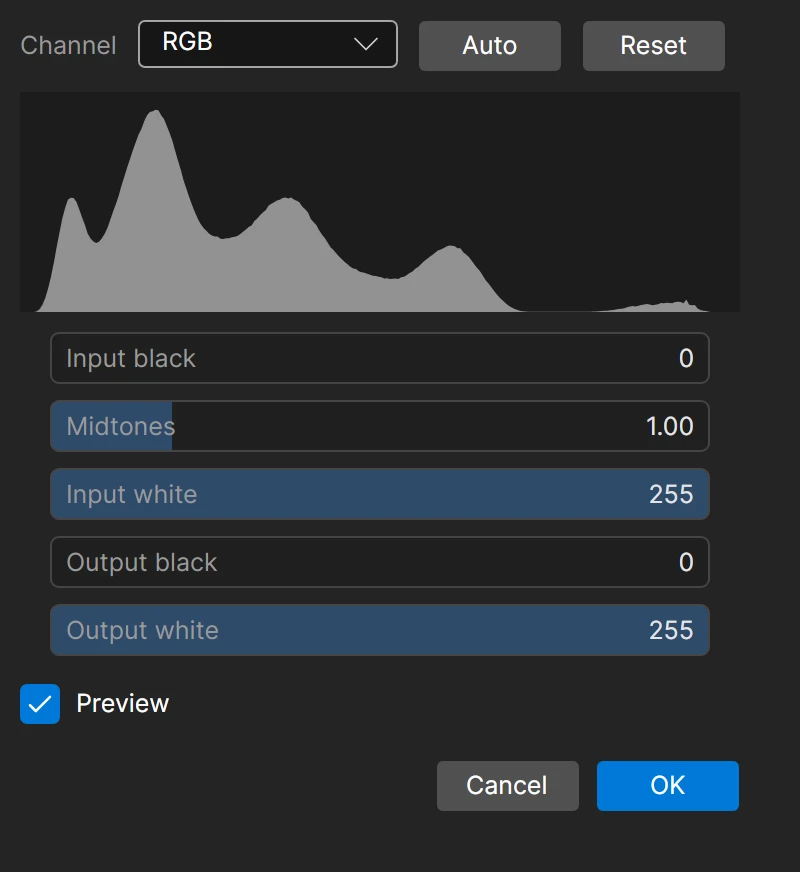
Levels, Curves, Hue/Saturation, Black & White, Color Balance, Gradient Map, blurs and grain, all as layers you can change later.
Effects you can copy
Stroke, Drop Shadow, Outer and Inner Glow, Inner Shadow and Color Overlay, each switchable, and Alt-drag copies them to another layer.
Your hands already know it.
The tools sit where Photoshop keeps them and answer to the same keys. Hold a button for its variations, and change any shortcut you like.

- MoveV
- Rectangle and Ellipse MarqueeM
- Freehand and Polygonal LassoL
- Magic Wand and Object SelectionW
- CropC
- Brush and EraserBE
- Spot Healing BrushJ
- Clone StampS
- Liquify, Blur, Smudge, Dodge, BurnR
- GradientG
- Shapes and linesU
- TypeT
- EyedropperI
- HandH
- ZoomZ
- Hold Ctrl and drag to move a layer with any tool.
- [ and ] size the brush, and the number keys set its opacity.
- Ctrl T transforms, and a corner dragged with Ctrl held distorts.
- Ctrl Z undoes as far back as memory allows.
Then make it something else.
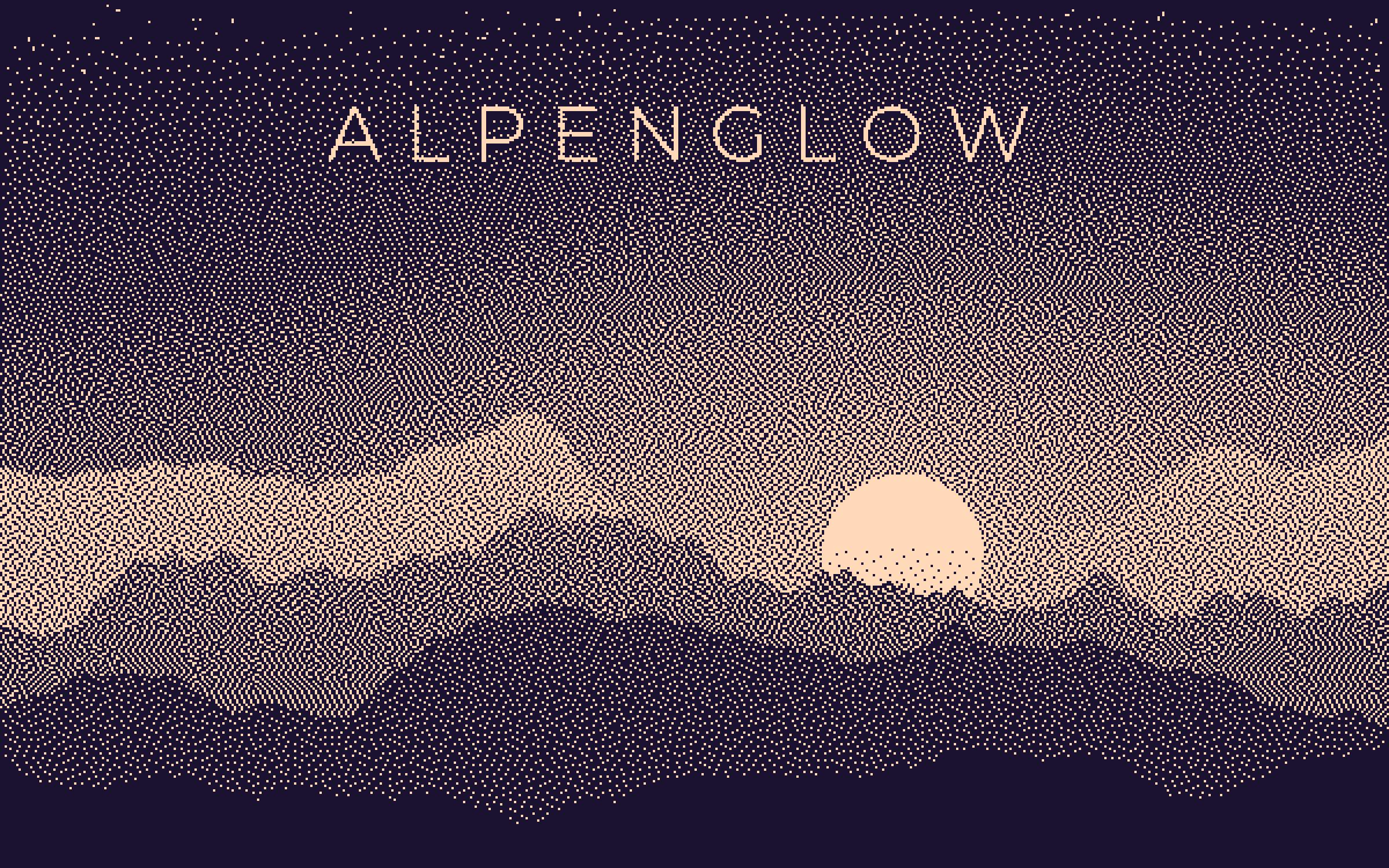
Drag across the poster to compare. Every version was made by Composa from the same eight layers.
 Original
Dither, Atkinson
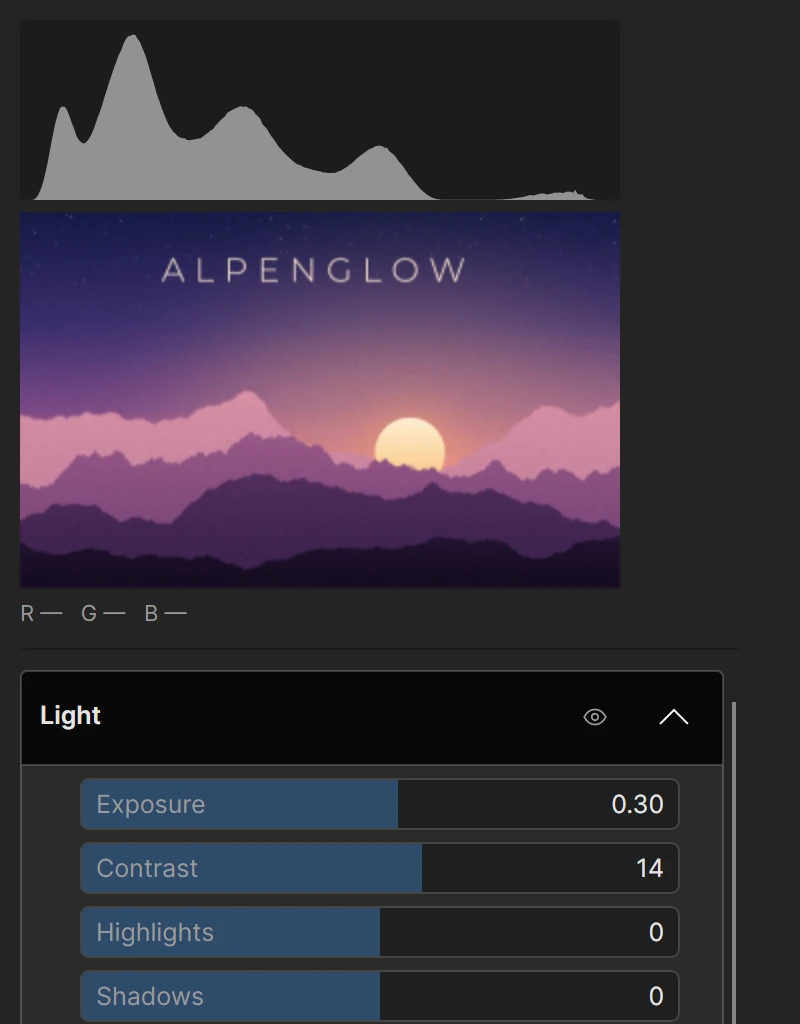
Camera Raw Filter
Light, Color, Effects, Curve, Color Mixer, Color Grading, Detail, Optics and Calibration, each group switchable off without losing its sliders. Save Look writes the grade as a .cube table for other editors.
Film looks
Four looks come bundled, each shown on your own picture before you choose. Load .cube and .3dl tables from Resolve, Lightroom or a look pack, and Export Look turns your adjustment layers into one table to take elsewhere.
Dither and Painterly
Dither from Atkinson to halftone, the old Mac patterns and ASCII, in two colors or the picture's own. Painterly repaints a layer in strokes that follow the picture, so a photo becomes a painting that is still that photo.
And the everyday ones
Gaussian and Motion Blur that spread past a layer's edge, Sharpen, Add Noise, Lens Correction, Vignette, Bloom, Tonal Contrast.
Open what you already have.
Bring your Photoshop and GIMP files along. Composa reads them, shows you what it had to change, and only then opens them.
- Photoshop .psd .psb
- Layers, folders, masks, clipping, blend modes, solid shapes, common adjustments and simple text arrive editable. A report lists everything that has to be converted before anything is applied.
- GIMP .xcf from GIMP 2.10, 3.0 and 3.2
- Layers, folders, masks, opacity, blend modes and guides come in, from every precision GIMP saves. Text in one style can be retyped, the same report lists anything that had to be converted, and compressed .xcf.gz files open too.
- Camera RAW Canon, Nikon, Sony, Fujifilm, DNG
- A develop step comes first, with exposure, temperature and tint on a 16-bit decode and a live preview, so you choose what to keep.
- Modern formats HEIC AVIF TIFF SVG
- Opened through ImageMagick, which the Windows build includes. An SVG is drawn to fit the canvas, so a small icon arrives sharp.
- Everyday images PNG JPEG WebP BMP GIF
- Open, drop onto the window or paste from another app. Export PNG, WebP, and JPEG with a live preview of the compression and the file size.
- Composa projects .cmps
- One file: a zip with a JSON manifest and a PNG for every layer and mask. Unsaved work is copied aside every two minutes and offered back after a crash.
Bring an agent, if you want one.
Composa speaks the Model Context Protocol. Switch on Help > Allow AI Control and an AI agent can build a document the way you would: layers, selections, adjustments, text and brush strokes.
Off until you turn it on
The switch lives in the Help menu and is remembered. While an agent is attached, the status bar says so.
Every change is one undo
An agent works through the same commands as the menus. Each change is a step in History, and Ctrl+Z takes it back.
It looks before it draws
Agents read the picture instead of guessing: colors at a point, edges traced as lines, renders with a labelled grid.
composa --mcp
Point any MCP client at this command. It waits for Composa, so you can start, quit and update the app without touching the client.
Free, and yours to change.
Composa is MIT licensed and developed in the open. It rebuilds Compositor, Robbie Tilton's open-source Mac app, from scratch in C# on .NET, Avalonia and SkiaSharp, so the same editor runs on Linux and Windows. A macOS build is planned.
It tells you when a new version is out and downloads it when you ask. It never installs or replaces anything by itself.
Download Composa.
Version 1.4.0 for x86-64 and Arm. None of them needs .NET installed.
Windows 10 and 11
-
InstallerInstalls for your account without administrator rights, with a Start menu entry.
-
ZipNo installation. Extract anywhere and run composa.exe.
The Windows builds are not code signed yet, so SmartScreen asks before the first run. Choose More info, check the file name, then Run anyway.
Linux
-
AppImageAny distribution. One file: mark it executable and run it.
-
.debDebian, Ubuntu, Mint, Pop!_OS.
-
.rpmFedora, RHEL, openSUSE.
-
TarballAnything else, or no root: extract and run install.sh.
HEIC, AVIF, TIFF, SVG and RAW files open when ImageMagick is installed, which most distributions ship.
Check a download against sha256sums.txt, read the release notes, or browse every release.